Online Banking
No Matter Where You Are,
We're There With You
A Trusted Path for Your Financial Journey
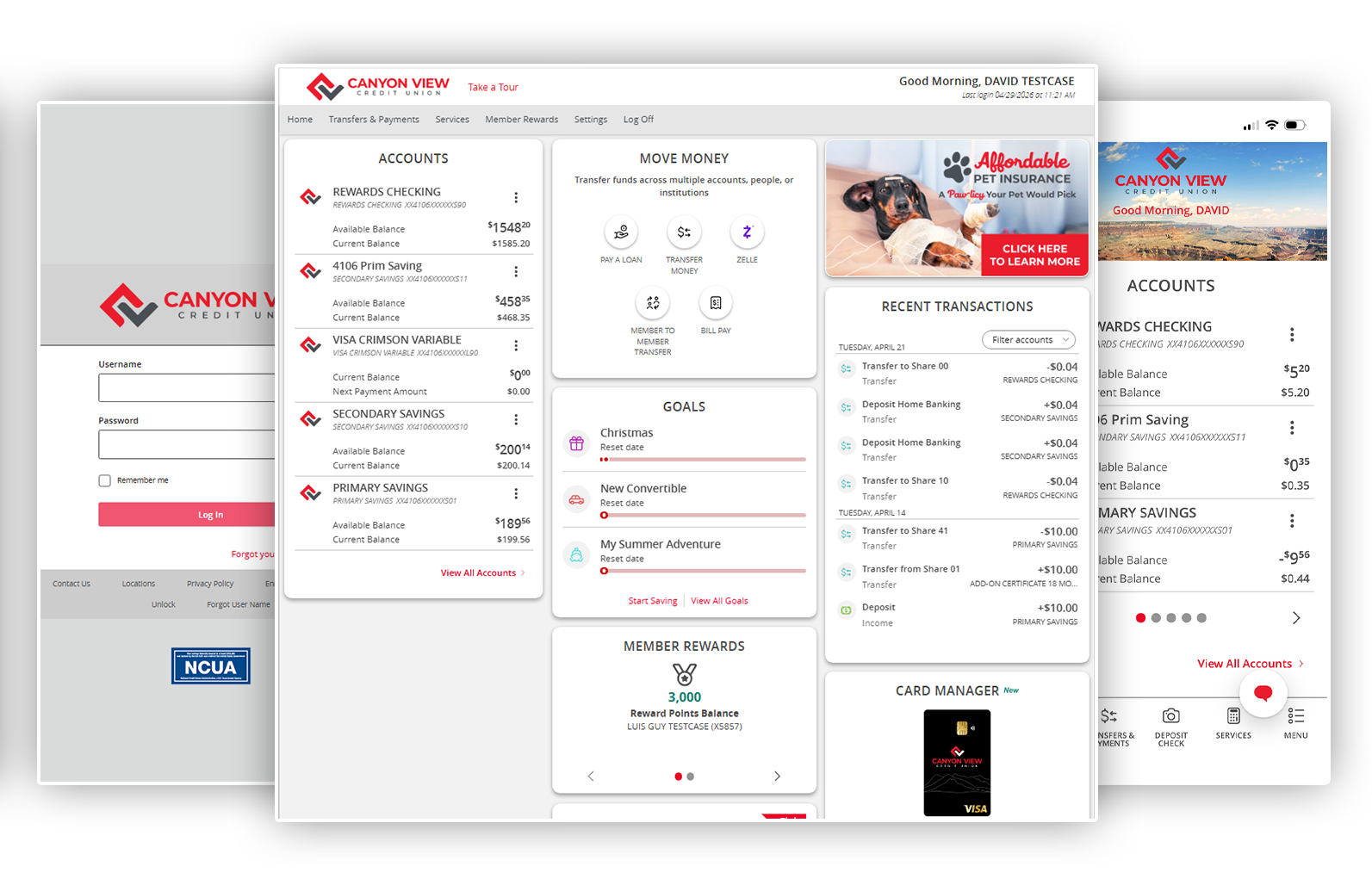
Banking with Canyon View Credit Union is designed to fit your life so our online and digital services make it easy to manage your money anytime, anywhere. Whether you’re at home, on the go, or up late checking off your to-dos, our online and digital services are by your side.
With simple tools and secure access, we’re here to make every interaction seamless and stress-free. Explore all the ways you can stay connected to your accounts and in control of your finances, wherever your financial journey takes you.
Online Banking Features
- View account balances and transactions
- Transfer money between your accounts
- Pay your bills online online using a card or from your account
- Make payments to individuals or businesses with Zelle
- Access your accounts from anywhere, anytime with mobile banking
- Go paperless - securely view your online statements
- Make budgeting and saving easy with Goal-Based Saving
- Manage and control your cards with Card Manager in the mobile app
- Connect with Apple Watch
- Switch card payments easily with Card Swap
- Use helpful Financial Tools
- Credit Monitoring and ID Theft Protection
- Instant Issuance so you can get a new credit or debit card instantly from a branch
Online Banking FAQs
We want you to have the best possible online banking experience. The following FAQs can help with common questions. You can also contact us via online chat or by phone at 801-481-8800.
How to update my contact information?
Updating your info is simple. Click “settings;” then, under “preferences” click “contact information,” then update and save your changes. the basics...
How to update my two-factor authorization?
Click “settings;” under “security,” select “2-factor authentication,” then update and save your changes.
How to make a loan payment?
Making a loan payment is fast and simple. Just select “transfers and payments,” click “pay a loan,” and complete your payment!
How to transfer funds
Transferring funds takes just a few clicks. Select “transfers and payments” and, from there, you can transfer money between accounts or send money to an external account.
What is the difference between Direct Pay and Bill Pay
Both are forms of bill pay. Bill Pay is our traditional bill pay system that sends checks or an ACH. Direct Pay allows you to log in directly to your biller’s website and add a credit or debit card payment. Direct Pay is also instantaneous so your bills are pain in real time.